Guides
Emergency alarms and personal alerts
The Aldera team Published 2 September 2026
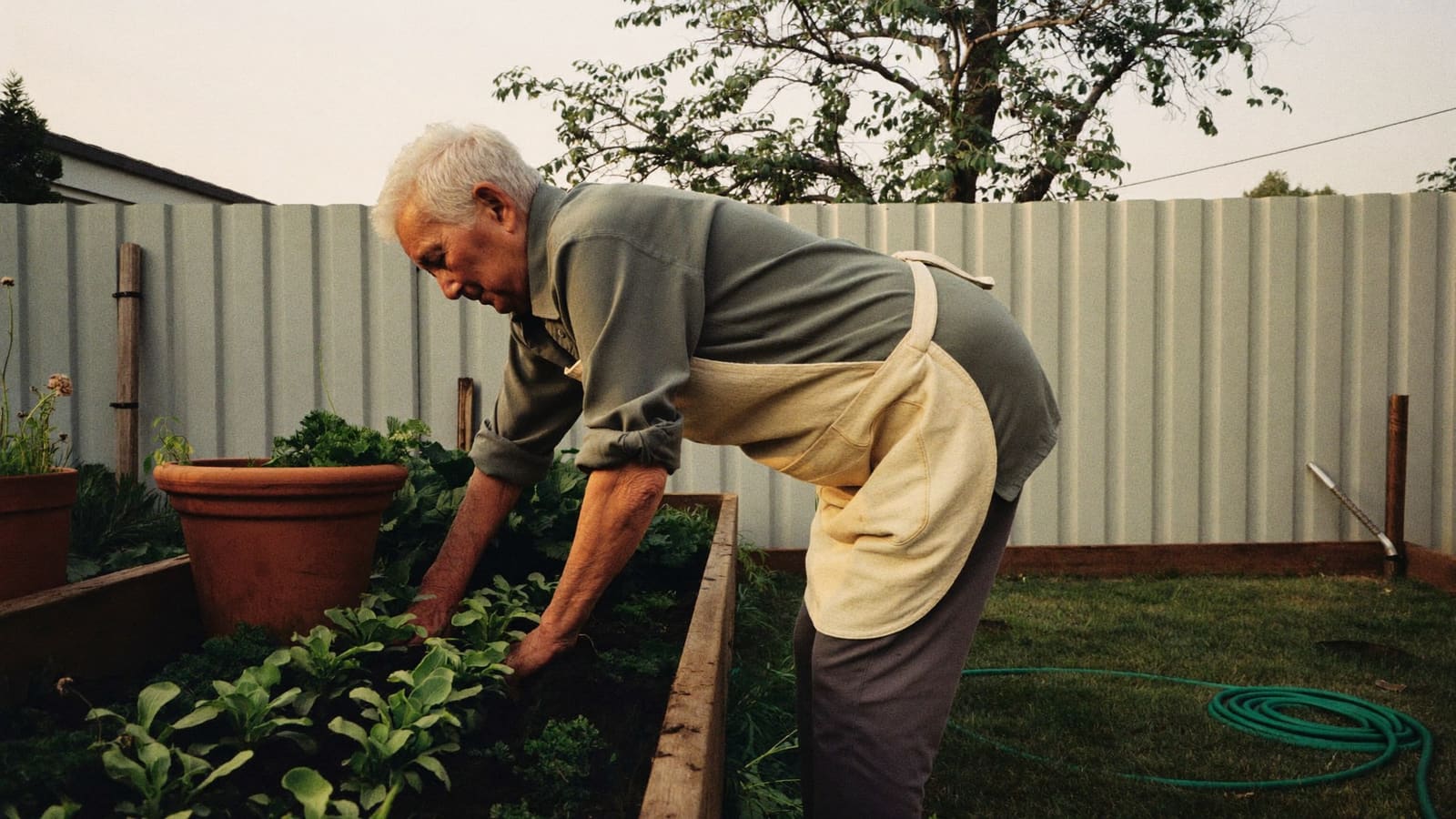
Illustrative. Does not depict Aldera clients or staff.
An alarm is the single most common thing families buy after a fall, and the second most common thing to end up in a kitchen drawer.
The device is rarely the problem. Whether it gets worn is the problem, and that is decided by things nobody asks about in the shop.
This is general information, not advice. What a particular person needs depends on their health and their house, and funding rules change.
What is actually on offer
A pendant or wristband with a button. Press it, and it either calls a monitoring centre or rings a list of numbers. Simple, cheap, and it works only if the person is wearing it and is conscious.
A monitored service. The button connects to a staffed centre that answers around the clock, speaks to the person through the base unit, and escalates. You pay a monthly fee for that. The value is that somebody always answers, and they are trained to work out whether this is a neighbour job or an ambulance job.
An auto-dialler. Same button, but it rings your family instead of a centre. No monthly fee, and no guarantee anyone picks up. Fine where there is a reliable person ten minutes away. Not fine where the list is one daughter who works in a hospital and cannot take calls.
Automatic fall detection. A sensor that fires without the button being pressed. This covers the case a pendant cannot, which is a heavy fall where the person is knocked out. It is imperfect in both directions: it misses slow slides, and it occasionally calls an ambulance because someone dropped it on the tiles.
Smart watches and phones. Many now include fall detection and an emergency call. Genuinely capable, and often already owned. The catch is charging, and small buttons, and menus.
Sensor systems. No wearable at all. Motion or door sensors that notice when the usual pattern stops, for instance when the kettle has not gone on by ten. Useful for someone who will not wear anything, and a much softer form of watching.
The question that decides everything
Will they wear it.
That is not a detail, it is the whole product. An alarm in a drawer has a zero per cent success rate no matter how good the monitoring centre is, and a large share of them end up there.
What tends to stop people wearing one:
- It looks medical, and it announces to visitors that they are frail
- It is uncomfortable, or it catches on clothing
- It has to come off to shower, which is precisely when it is needed
- They are frightened of setting it off by accident and causing a fuss
- Nobody explained it properly, so they are not confident about what happens
Most of those are solvable. A watch-style device reads as a watch. A shower-proof unit stays on. And the fear of a false alarm goes away the moment somebody presses the button on purpose to see what happens, which is the single most useful thing you can do on the day it arrives.
What to check before you buy
- Is it water-resistant enough to wear in the shower, and is that in writing
- What is the range from the base unit, and does that cover the letterbox, the clothesline and the back shed
- What happens in a power cut, and what happens if the internet drops
- What is the battery life, who charges it, and does it warn anyone when it is low
- If it is monitored, who is on the list and in what order, and can you change that easily
- Is there a contract, and what does it cost to get out of it
- Does it work outside the house, or only inside
What an alarm does not do
This is where families over-rely on the device, and it is worth being blunt.
An alarm does not prevent a fall. It shortens the time someone spends on the floor afterwards, which matters enormously, but it changes nothing about whether the fall happens. The things that change that are duller: lighting, rails, clearing the floor, and having something done about the reason they are unsteady. Our home safety checklist is a fifteen minute pass through the house, and home modifications for ageing in place covers the rest.
An alarm also does not tell you that someone is not coping. It is silent while the fridge empties, while the medications get muddled, and while somebody stops going out. That is what a regular visit from the same person does, because they know what normal looks like in that house.
The honest way to think about it is that an alarm is a floor, not a plan. It puts a limit on how bad the worst hour can get. It does nothing about the slow drift, and the slow drift is what usually puts people in hospital.
Where it fits
Personal alarms and monitoring can sit under the assistive technology side of Support at Home depending on the item and the assessment, which is explained in what the AT-HM scheme pays for. Some are simply cheap enough to buy.
Current eligibility detail is at myagedcare.gov.au. If you want help thinking through whether an alarm or a regular visit is the better answer for a particular household, ring us and a person will answer.
Part of our Our services guide.
Not sure where you fit?
Call us and a real person will talk it through, no obligation and no script.
Call 1300 998 928Common questions
What is the difference between a monitored alarm and an auto-dial alarm?
A monitored alarm connects you to a staffed response centre that answers, talks to you, and decides what to send. An auto-dial alarm rings a list of phone numbers you have programmed, usually family, and if nobody picks up it moves down the list. Monitoring costs an ongoing fee and always answers. Auto-dial has no ongoing fee and depends on whoever is available.
Do fall detectors actually work?
Partly. Automatic detection is genuinely useful for a hard fall where the person is knocked out or cannot reach the button, which is the situation a press-button pendant cannot help with. It is less reliable for a slow slide to the floor, and it produces false alarms. Treat it as a useful addition to a button, not a replacement for one.
Are personal alarms covered by aged care funding?
Some are, depending on the item and your assessment, because personal alarms and monitoring can fall under the assistive technology side of Support at Home. Others are bought privately, and many are inexpensive. Check your own position with My Aged Care or your provider rather than assuming either way.
More guides
-
Guides
Drinking enough water in later life
Why older people drink less without noticing, the signs of dehydration to watch for, and small habits that make drinking easier at home.
15 October 2026
-
Guides
Recognising elder abuse and where to get help
The forms elder abuse takes, the quiet signs families and workers notice, and who to contact in NSW if you are worried about an older person.
15 October 2026
-
Guides
Talking to a parent about giving up driving
Signs driving is getting harder, how to raise it without a fight, who can give an independent view, and how to keep a parent getting out once the keys go.
15 October 2026